SVG in HTML
SVG stands for Scalable Vector Graphics. It's an XML- Extensible Markup Language used to define vector- grounded plates for the web. Unlike pattern images (like JPG or PNG), SVGs do n’t lose quality when resized, making them ideal for ensigns, icons, graphs, and illustrations/example.
Why Use SVG?
- Scalable without losing quality (perfect for all screen sizes).
- Editable using tag — no need for image editors.
- Searchable and accessible (SVG text can be read by screen readers).
- SVG images are small, lightweight (fast), and they load quickly
🔧 Basic SVG Syntax
      <svg width="200" height="100">
        <circle
          cx="50"
          cy="50"
          r="40"
          stroke="green"
          stroke-width="4"
          fill="yellow"
        />
      </svg>
Explanation
<svg>: Container for SVG plates.<circle>: Draws a circle.cxandcy: Position of the circle center.r: Radius of the circle.stroke: Border color.stroke-width: Border thickness.fill: Fill color of the shape.
Other Common SVG Shapes
<rect>– Draws a cube (rectangle).<line>– Draws a straight line.<ellipse>– Draws an ellipse (oval).<polygon>– Draws a shape with multiple sides.<text>– Adds text inside SVG.<path>– Defines a path (complex shapes).
Example Cube with Text
      <svg width="200" height="100">
        <rect
          width="150"
          height="70"
          x="20"
          y="20"
          fill="lightblue"
          stroke="navy"
          stroke-width="2"
        />
        <text
          x="40"
          y="60"
          fill="navy"
          font-size="20">
          Hello SVG!
        </text>
      </svg>
Preview :
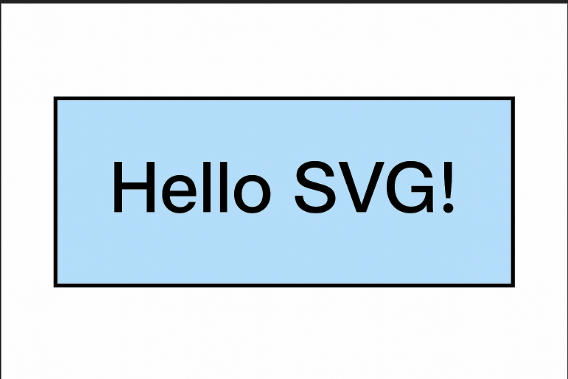
(This image here showing a light blue rectangle with a navy border and the text "Hello SVG!" in navy blue inside it.)
"Where pixels fade, vectors shine — SVG brings sharpness to your designs!"