HTML Global Attributes
Global Attributes are special attributes in HTML that can be used on any HTML element, anyway of the tag name. They help give unnecessary information, modification availability, styling, or scripting relations.
Generally Used Global Attributes
id– Uniquely identifies an element.Example:
<div id="uniqueId">Html</div>class– Assigns one or more class names for styling.Example:
<p class="important text-center">Hello</p>style– Adds inline CSS.Example:
<span style="color:blue;">Hello</span>title– Adds a tooltip on hang.Example:
<a href="/" title="Go to homepage">Home</a>hidden– Hides the element.Example:
<p hidden>You can not see me</p>lang– Specifies the language of the element.Example:
<p lang="en">Hello Coders</p>draggable– Makes element draggable.Example:
<div draggable="true">Drag me!</div>tabindex– Controls keyboard navigation order.Example:
<input type="text" tabindex="2">contenteditable– Allows the user to edit the content.Example:
<div contenteditable="true" style="border: 1px solid black; padding: 5px;">Edit me</div>data-*– Custom data attributes for JavaScript.Example:
<div data-userId="123" data-role="admin">User Info</div>
Example Using Multiple Global Attributes
        <div
          id="editableBox"
          class="highlighted"
          style="border: 1px solid green; padding: 10px;"
          title="Click to edit"
          contenteditable="true"
          data-info="This is a box you can edit"
        >
          This is an editable box.
        </div>
Preview :
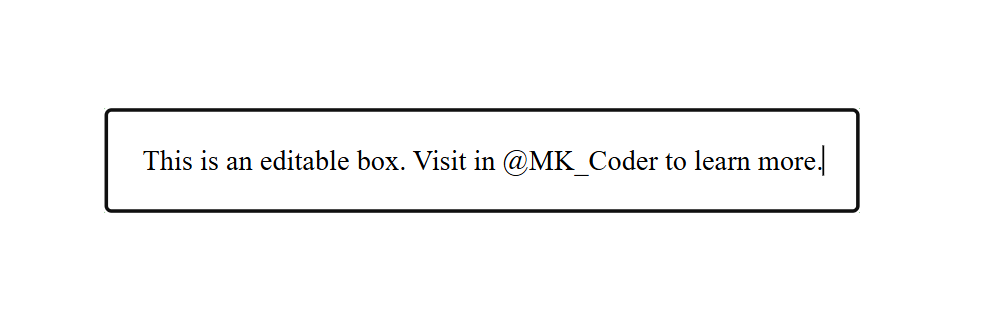
(This image here showing a green bordered box with the text "This is an editable box." inside it. When hovered, a tooltip "Click to edit" appears.)
Note
These attributes work with nearly every HTML tag. They are especially helpful in CSS, JavaScript relations, and availability.
"Global Attributes are like universal tools they empower every tag on the HTML through."