HTML Quotation Tags
In HTML, quotation tags are used to show quoted text. There are substantially two tags for long quote and for short, inline quote.
<Blockquote> Tag
The <blockquote> tag is used to define a long quote that's usually
displayed asan independent block of text.
Syntax
         <blockquote
           cite="URL_of_source"
         >
           This is a quoted paragraph or long quote.
         </blockquote>
The cite attribute specifies the source of the quotation.
Example
<blockquote
cite="https://www.goodreads.com/author/show/986042.A_P_J_Abdul_Kalam"
>
"Thinking should become your capital asset, no matter whatever ups and downs
you come across in your life." – Dr. A. P. J. Abdul Kalam
</blockquote>
Output :
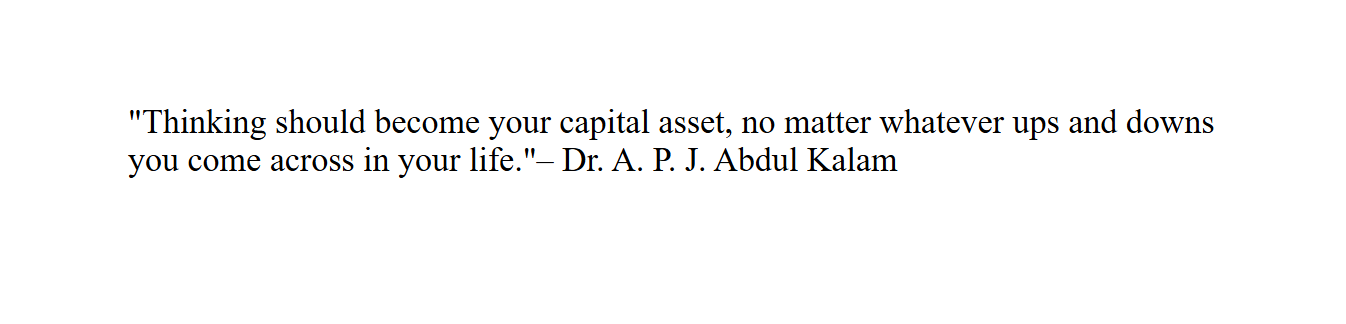
(This image here showing the quote "Thinking should become your capital asset, no matter whatever ups and downs
you come across in your life." indented, attributed to – Dr. A. P. J. Abdul Kalam.)
<q> Tag
The <q> tag is used for short quotes. It's an inline tag, and the browser automatically adds quotation marks around the text.
Syntax
<p>My school teacher said, <q>Practice makes perfect.</q></p>
Example
<p>My schoolteacher said, <q>Practice makes perfect.</q></p>
output:
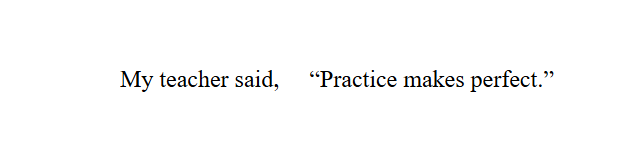
(This image here showing the sentence "My school teacher said, “Practice makes perfect."
with the quotation marks around "Practice makes perfect".)
Summary
<blockquote> – For large block-position quotations.<q> – For short inline quotations.
Both help give meaning to quoted content in a semantic way.
“ quotes in HTML give voice to studies and wisdom in words. ”