🔗 HTML Anchor Tag (<a>)
The <a> tag, or anchor tag,
creates hyperlinks in HTML. A hyperlink links one
document to another or jumps to a specific place
on the same document.
Syntax
<a href="URL">Link Text</a>
Attributes generally used with <a> tag
-
href: Specifies the destination URL (required). -
target: Defines where to open the link (e.g., new tab). -
title: Shows element information when floated (hovered over). -
download: Allows file to be downloaded rather of opened. -
rel: Specifies the relationship between current and linked document.
Example
1. Link to Another Website
<a href="https://www.google.com">Visit Google</a>2. Open Link in a New Tab
<a href="https://example.com" target="_blank">Open in new tab</a>3. Anchor to Section on Same Page
<a href="#about">Go to About Section</a>4. Download a File
<a href="files/my-resume.pdf" download>Download Resume</a>5. Link with Tooltip (Title)
<a href="https://youtube.com" title="Go to YouTube">YouTube</a>Preview :
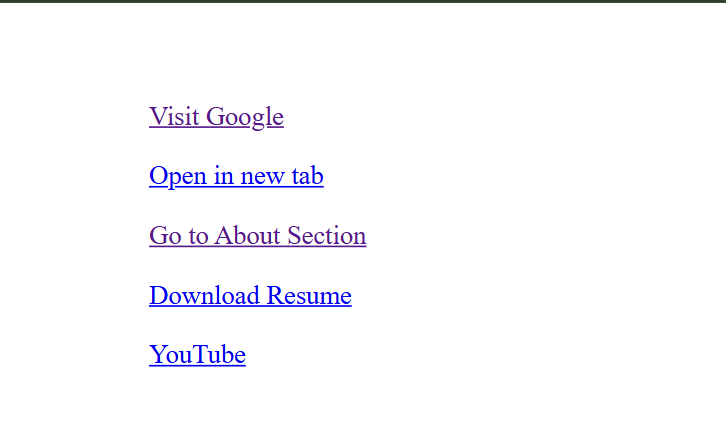
(This image here showing the text "Visit Google", "Open in new tab", "Go to About Section", "Download Resume", and "YouTube" as clickable links in a browser window.)
Important Notes
-
The
hrefspecialty is compulsory. Without it, the anchor wo n’t work as a link. -
Using
target="_blank" rel="noopener noreferrer"ensures links open in a new tab, enhancing many experience. -
Internal links begin with
#and target an element with the matchingid.
Summary Table
| Point | Details |
|---|---|
| tag | a |
| Full Form | Anchor |
| Primary Use | Creating Hyperlinks |
| Key Attribute | href |
| Ending-tag? | No |
| Common Attributes |
href,
target,
title,
download,
rel
|
Stylish Practices
- Use descriptive link text like “Visit our About web page” rather of “Click then.”
-
Add
rel="noopener noreferrer"when usingtarget="_blank" rel="noopener noreferrer"for security. -
Always test internal links to insure the
idtargets are correct.