HTML Horizontal Line Element (<hr>)
The <hr> element in HTML is designed to produce a horizontal line on a
webpage. This line
serves as a visual break or separation between different sections of content, making it
ideal for
differential colorful theme, sections, or ideas.
Syntax
<hr>
Note: This is a none-closing tag, meaning it doesn't need a ending tag.
Example
        <h2>About Me</h2>
        <p>I'm a passionate web developer.</p>
        <hr>
        <h2>My Projects</h2>
        <p>Here are some of my best works.</p>
Affair:
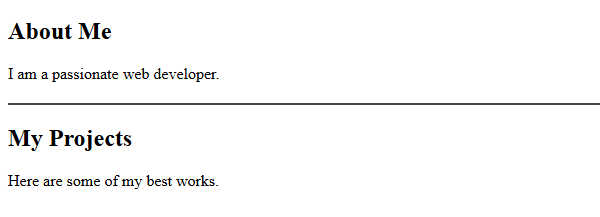
(This image here showing "About Me" paragraph, followed by a horizontal line, then "My projects" paragraph)
Important Points
<hr>is a block-position element.- It creates a visible line break in the layout.
- Stylish add to logically and nearly separate content.
- Can be name with CSS for color, consistence, range, and more.
Customizing the <hr> Element (with CSS)
You can enhance the appearance of the <hr> element to make it more
visually changing and
customized to your design.
          hr {
          height: 2px;
          background-color: #444;
          border: none;
          margin: 20px 0;}
Stylish Practice
Use the <hr> element good manners and meagrely to direct the anthology’s
attention and
enhance the layout without inviting.