HTML Lists
Lists in HTML allow you to group related pieces of information together in a structured format. HTML supports three main types of lists:
- Unordered List (
<ul>) – A list with bullets (small black circles) points. - Ordered List (
<ol>) – A numbered list. - Description List (
<dl>) – A list of terms and their descriptions.
Unordered List (<ul>)
Used when the order of explanation isn't important.
      <ul>
        <li>HTML</li>
        <li>CSS</li>
        <li>JavaScript</li>
        <li>Python</li>
        <li>Bootstrap</li>
        <li>Java</li>
      </ul>
Output :
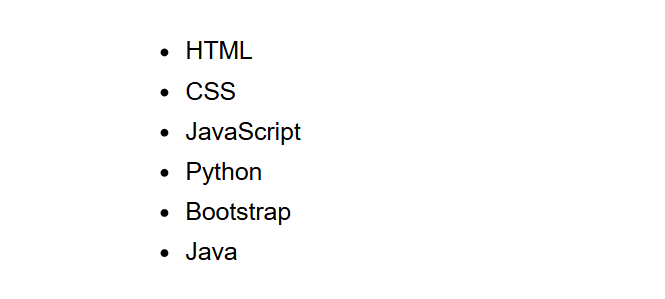
(This image here showing a bulleted list of "HTML", "CSS", "JavaScript", "Python", "Bootstrap", and "Java".)
Ordered List (<ol>)
Used when the order of explanation matters (like way in a process).
      <ol>
        <li>HTML</li>
        <li>CSS</li>
        <li>JavaScript</li>
        <li>Python</li>
        <li>Bootstrap</li>
        <li>Java</li>
      </ol>
Output :
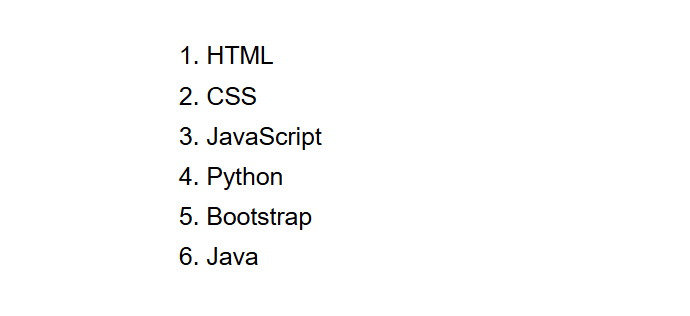
(This image here showing a numbered list of "HTML", "CSS", "JavaScript", "Python", "Bootstrap", and "Java".)
Description List (<dl>)
Used to describe terms and their description.
      <dl>
        <dt>HTML</dt>
        <dd>A luxury language for creating webpages.</dd>
        <dt>CSS</dt>
        <dd>A style distance language used for describing the prensentation of a document.</dd>
      </dl>
Output :
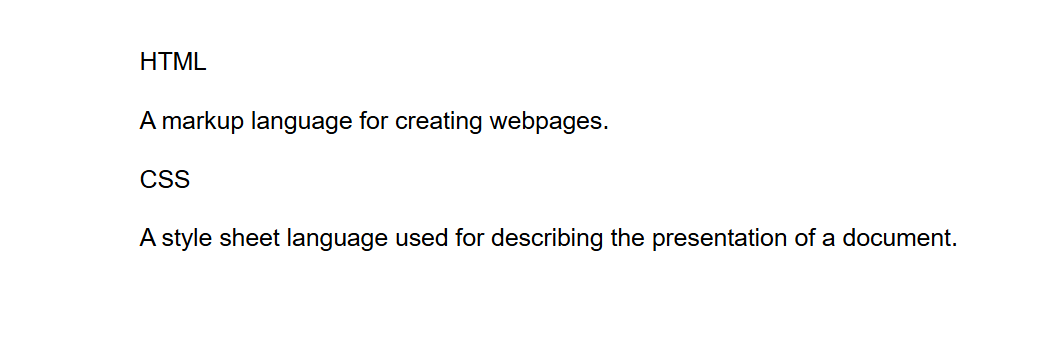
(This image here showing "HTML" followed by an indented description "A luxury language for creating webpages.", and then "CSS" followed by an indented description "A style distance language used for describing the donation of a document.".)
Summary
- Unordered List – Bullts.
- Ordered List – Figures or Letters.
- Description List – Terms and Explanations.
Lists help organize information and improvement readability on a webpage. Use them wisely!