HTML Ordered List (<ol>)
An ordered list in HTML is used when the order of the particulars is important. By disclaimer, items are numbered (1, 2, 3...), but you can customize the type.
🔧 Syntax
      <ol>
      <li>First point</li>
      <li>Alternate point</li>
      <li>Third point</li>
      </ol>
Example
      <ol>
      <li>HTML</li>
      <li>CSS</li>
      <li>JavaScript</li>
      <li>Python</li>
      <li>Bootstrap</li>
      <li>Java</li>
      </ol
Output :
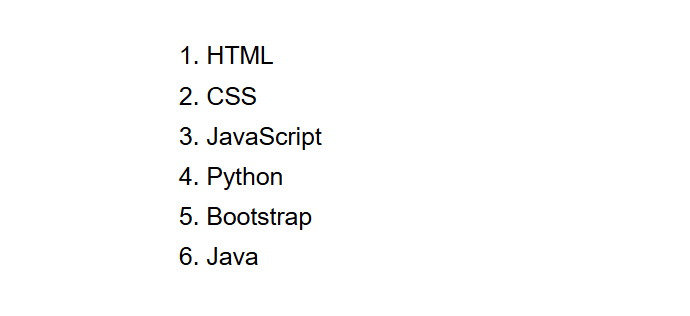
(This image here showing a numbered list of "HTML", "CSS", "JavaScript", "Python", "Bootstrap", and "Java".)
Customizing Number Style
You can change the numbering using the type feature in the
<ol> tag.
      <ol type= "A">
      <li>HTML</li>
      <li>CSS</li>
      <li>JavaScript</li>
      <li>Python</li>
      <li>Bootstrap</li>
      <li>Java</li>
      </ol
Output :
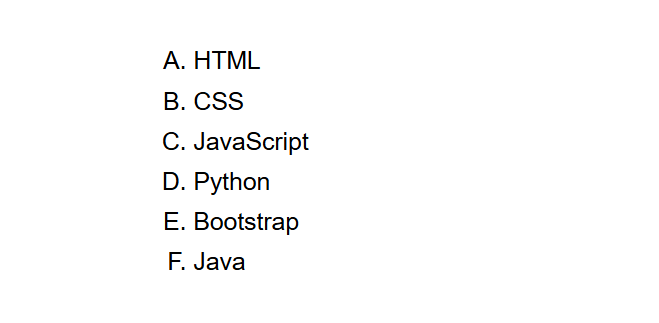
(This image here showing a list of "HTML", "CSS", "JavaScript", "Python", "Bootstrap", and "Java" numbered with uppercase letters A, B, C, etc.)
Available Types
1– Numbers(Decimal Numbering)A– Uppercase lettersa– Lowercase lettersI– Uppercase Roman numbersi– Lowercase Roman numbers
Summary
- Use
<ol>for ordered lists. - Each point goes outside
<li>tag. - The default numbering is 1, 2, 3.
- You can change the number style using the
typefeature.