HTML Input Types
The <input> tag is used in HTML forms to produce interactive controls
where users can
give data. This tag is actually flexible and supports multiple type
attributes to specify the
kind of input expected.
Generally Used Input Types
text– Accepts plain text.password– Hides characters with blotches or asterisks (for numbers).email– Accepts only valid email addresses.number– Accepts numeric values.radio– Lets users choose one option from multiple.checkbox– Lets users select one or further options.date– Allows date selection from a timetable.file– Lets users upload files from their device.submit– Submits the form data.reset– Resets all fields in the form.button– Represents a clickable button (can be programmed).color– Opens a color chooser.tel– Accepts telephone figures.url– Accepts website URLs.range– Allows selection within a numeric range using a slider.search– Specifically for search boxes.hidden– Holds data without showing it to the users.datetime-local– Accepts date and time (no timezone).month– Lets user select a month.week– Lets user select a week of the time.
Preview :
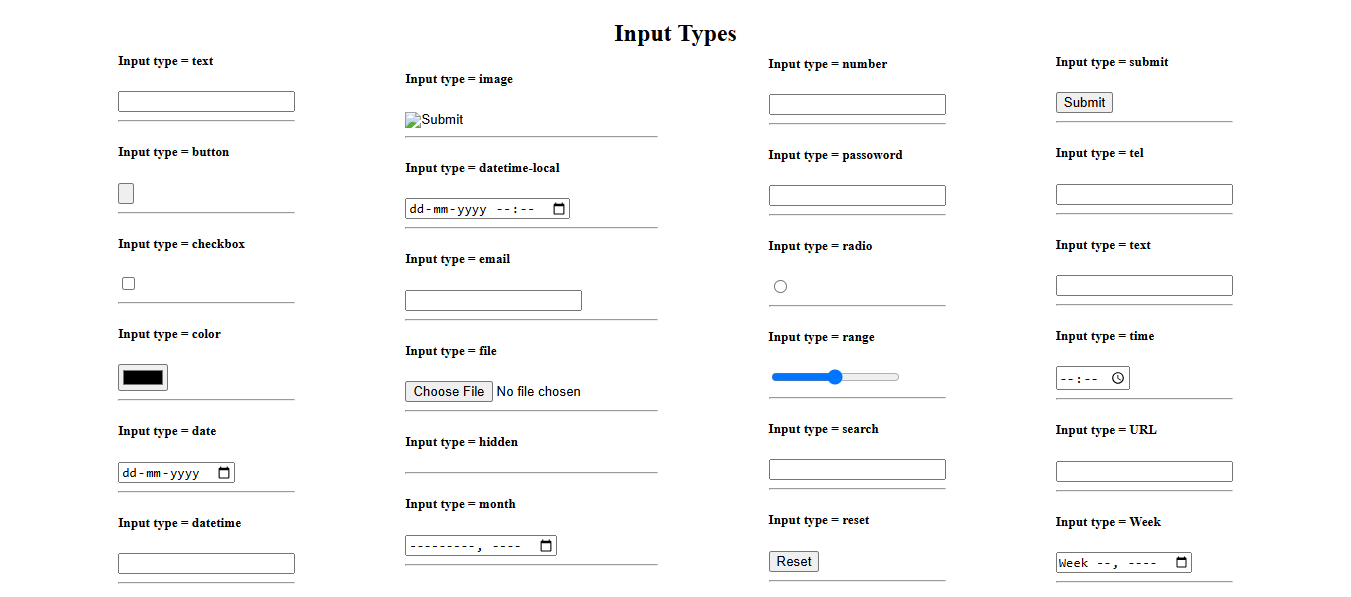
(This image here showing various HTML input fields like a text box, password field, email field, number input, radio buttons, checkboxes, date picker, file upload button, submit button, etc.)
Example Using colorful Input Types
                  <form action="/submit" method="post">
                    <label for="name">Name:</label><br>
                    <input type="text" id="name" name="name"><br><br>

                    <label for="email">Email:</label><br>
                    <input type="email" id="email" name="email"><br><br>

                    <label for="password">Password:</label><br>
                    <input type="password" id="password" name="password"><br><br>

                    <label for="age">Age:</label><br>
                    <input type="number" id="age" name="age" min="0" max="120"><br><br>

                    <label for="birthday">Birthday:</label><br>
                    <input type="date" id="birthday" name="birthday"><br><br>

                    <label for="file">Upload file:</label><br>
                    <input type="file" id="file" name="file"><br><br>

                    <label for="color">favourite Color:</label><br>
                    <input type="color" id="color" name="color"><br><br>

                    <input type="submit" value="Submit">
                  </form>
Preview :
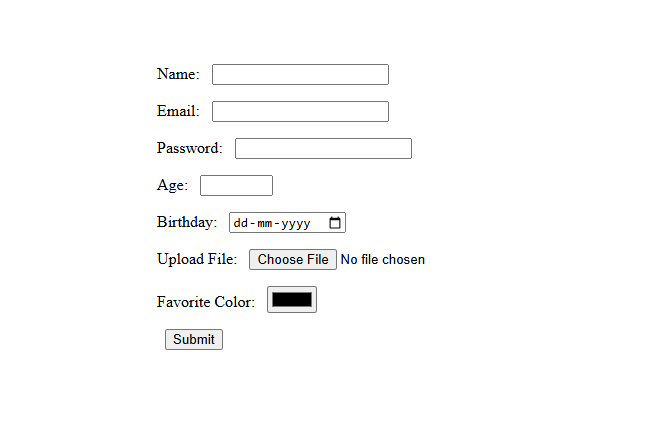
(This image here showing a form with tags and corresponding input fields for Name (text), Email (email), Password (password), Age (number), Birthday (date picker), Upload (file upload), and Color (color picker), followed by a Submit button.)
Note
Some input types may present else on different bias or browser. Always test completely for style users experience.